Static images are becoming increasingly dynamic.
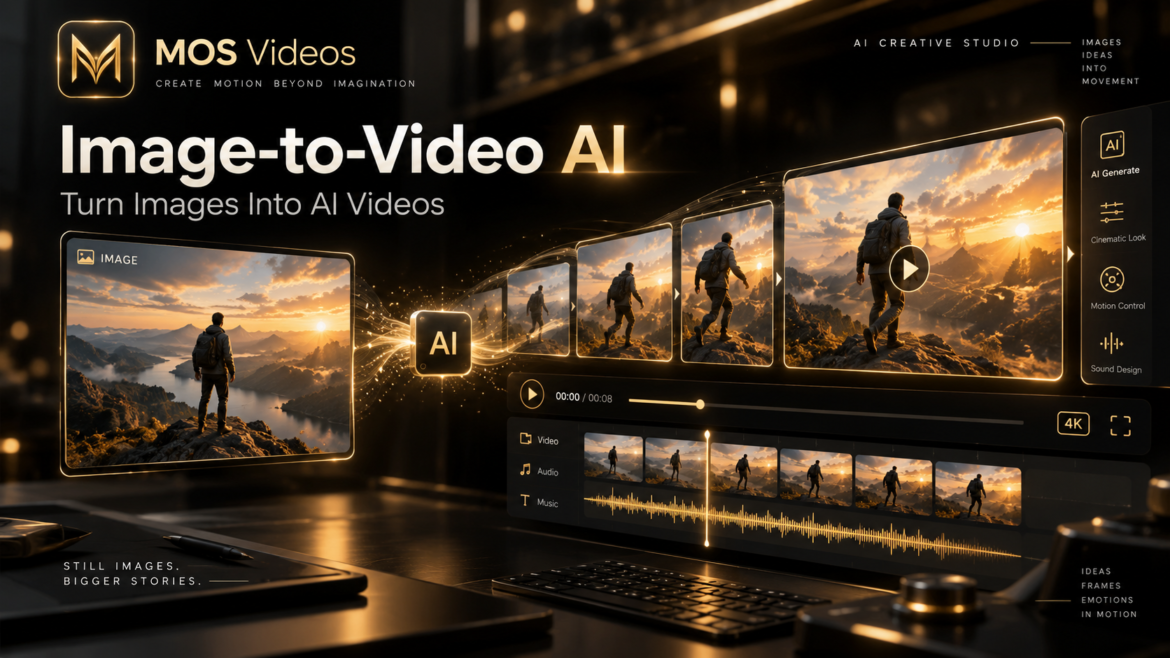
With Image-to-Video AI, creators can transform a single image into a moving video sequence using artificial intelligence.
Instead of starting from a completely blank scene, Image-to-Video AI uses an existing image as a visual reference.
The AI analyzes the image and generates motion, camera movement, environmental changes, and additional frames while attempting to preserve the visual identity of the original composition.
A creator might begin with an image of a futuristic city and transform it into a cinematic sequence with moving vehicles, atmospheric fog, changing lights, and a slow camera movement.
This workflow is becoming particularly useful for content creators, filmmakers, marketers, designers, and social media professionals.
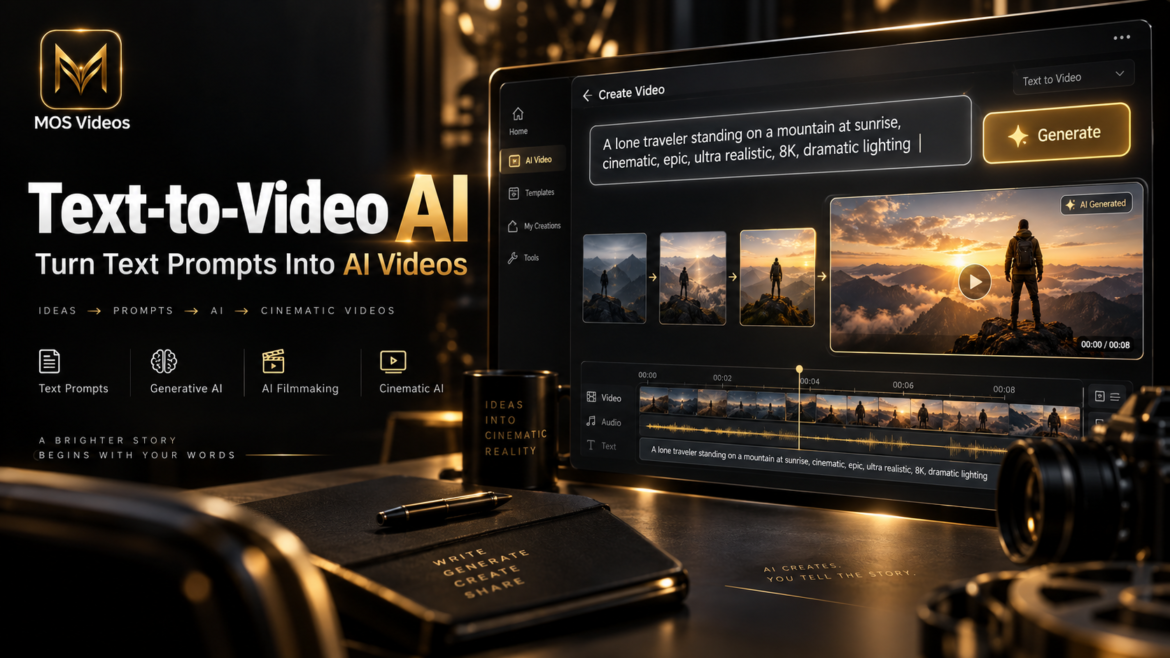
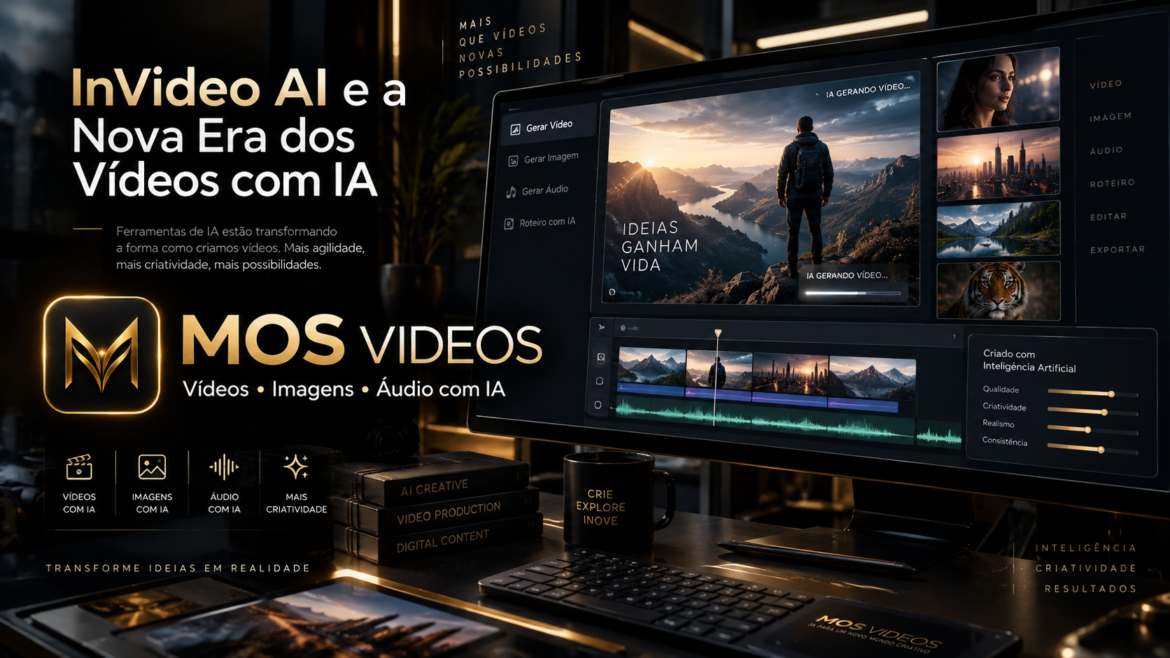
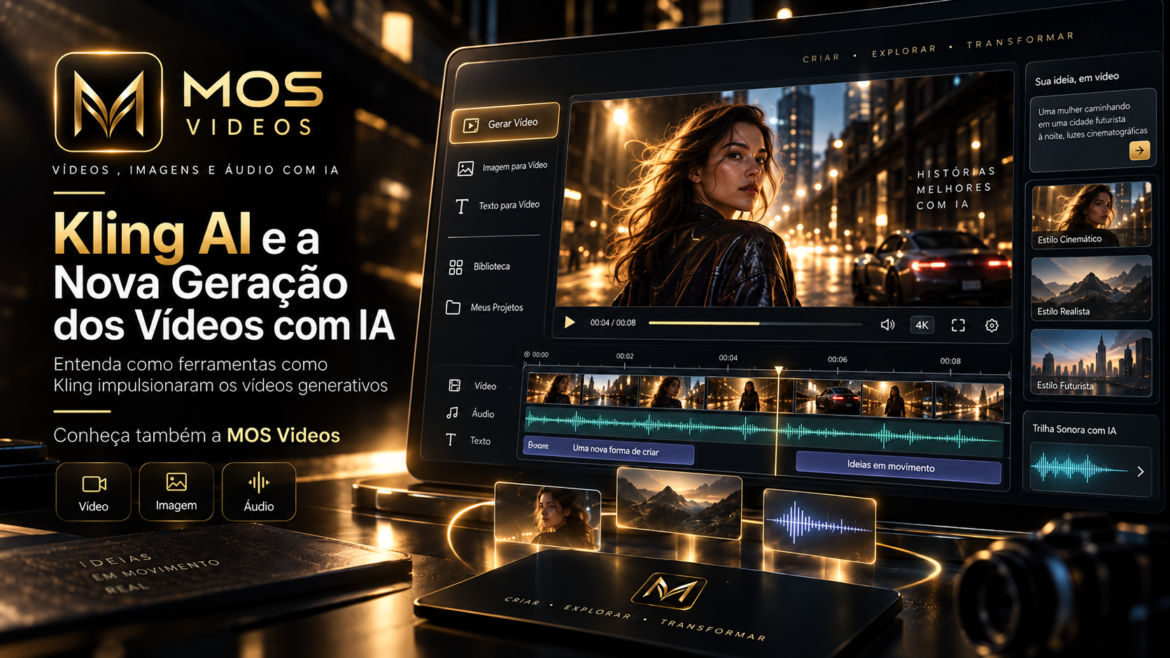
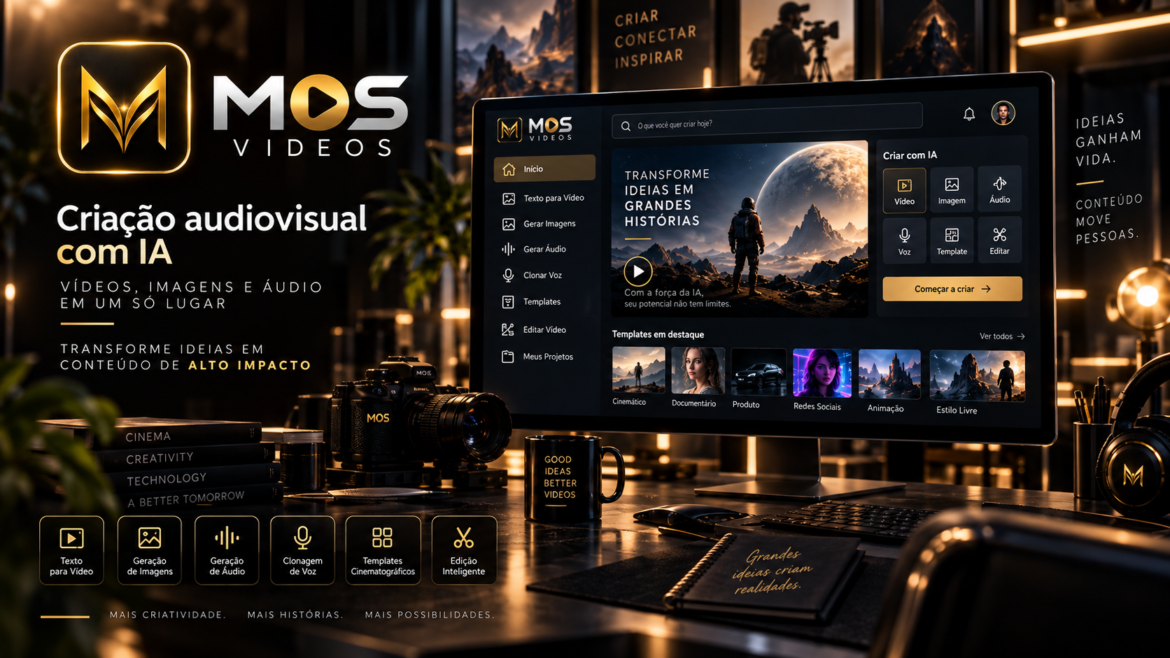
Platforms such as MOS Videos can support this broader process by combining image generation, video generation, and audio tools within connected generative AI workflows.
What Is Image-to-Video AI?
Image-to-Video AI is a generative artificial intelligence technology that transforms a static image into a moving video sequence.
The original image acts as the visual starting point.
The AI then generates additional frames to create movement.
Depending on the system and prompt, this movement may include:
- Camera motion
- Character movement
- Environmental animation
- Lighting changes
- Object movement
- Atmospheric effects
- Facial movement
- Background animation
The goal is to create a video while maintaining as much consistency as possible with the original image.
How Does Image-to-Video AI Work?
Image-to-Video AI uses generative models to analyze the visual information contained in an image.
The model identifies important elements such as:
- People
- Objects
- Backgrounds
- Lighting
- Perspective
- Depth
- Composition
- Visual style
The user can then provide additional instructions describing how the image should move.
For example:
Slowly push the camera toward the character while her hair moves naturally in the wind and city lights flicker in the background.
The AI attempts to generate new frames based on both the original image and the written instructions.
A simplified workflow looks like this:
- Upload or generate an image.
- Analyze the visual composition.
- Add a motion prompt.
- Define camera movement.
- Generate additional frames.
- Create visual continuity.
- Produce the final video sequence.
What Can Image-to-Video AI Animate?
Image-to-Video AI can animate many visual elements depending on the source image and model capabilities.
Common examples include:
- Hair movement
- Clothing movement
- Water
- Smoke
- Clouds
- Fire
- Vehicles
- Characters
- Animals
- Background lights
- Camera motion
- Facial expressions
- Environmental effects
A still landscape, for example, might become a video where clouds move, trees react to the wind, and the camera slowly advances toward the horizon.
Why Start With an Image Instead of Text?
Using an image gives creators greater control over the starting composition.
With Text-to-Video AI, the model determines much of the initial appearance based on a written prompt.
With Image-to-Video AI, the creator already defines:
- Character appearance
- Environment
- Colors
- Composition
- Clothing
- Objects
- Lighting
- Art direction
This can make Image-to-Video useful when visual consistency matters.
For example, a creator may generate a specific character with an AI image generator first and then animate that character using Image-to-Video AI.
Image-to-Video AI vs Text-to-Video AI
Both technologies are part of AI video generation, but they begin differently.
| Image-to-Video AI | Text-to-Video AI |
|---|---|
| Begins with an existing image | Begins with a written prompt |
| Visual composition is already defined | AI creates the initial composition |
| Useful for animating existing concepts | Useful for creating scenes from scratch |
| Offers strong visual reference | Offers broader initial creative freedom |
| Motion prompt controls animation | Full prompt controls appearance and motion |
Neither workflow is automatically better.
They serve different creative needs.
A creator may even use both in the same project.
How to Turn an AI Image Into a Video
One of the most useful workflows in generative content creation is:
Text Prompt → AI Image → Image-to-Video
The process can work like this.
Step 1: Generate the Image
Start by creating a high-quality source image.
For example:
A futuristic woman standing on a rooftop overlooking a neon megacity at night, cinematic lighting, photorealistic style.
The generated image establishes the visual identity of the scene.
Step 2: Choose the Desired Motion
Decide what should move.
Possible examples include:
- Hair blowing in the wind
- Rain falling
- Cars moving in the background
- Lights flickering
- Character turning toward the camera
- Fabric moving naturally
Avoid trying to animate too many elements at once when a simpler motion would communicate the scene effectively.
Step 3: Define Camera Movement
Camera movement can make a static image feel cinematic.
Useful instructions include:
- Slow push-in
- Tracking shot
- Dolly forward
- Camera orbit
- Slow zoom out
- Pan left
- Pan right
- Tilt upward
- Handheld motion
For example:
Slow camera push toward the character while the city lights move subtly in the background.
Step 4: Add Environmental Motion
Small environmental details can add realism.
Examples include:
- Wind
- Rain
- Snow
- Smoke
- Water movement
- Floating particles
- Fog
- Light reflections
Environmental movement is often more believable when it supports the scene instead of overwhelming it.
Step 5: Generate and Refine
AI video generation often involves experimentation.
Creators may test different:
- Prompts
- Motion intensity
- Camera directions
- Source images
- Video lengths
- Visual styles
The first generation may not always produce the ideal result.
Refinement is part of the creative process.
How to Write an Image-to-Video AI Prompt
An effective Image-to-Video prompt usually focuses more on motion than appearance because much of the visual information already exists in the image.
A useful structure is:
Subject Motion + Environmental Motion + Camera Movement + Atmosphere
For example:
The woman slowly turns toward the camera while her hair moves naturally in the wind. Neon lights flicker in the background. Slow cinematic camera push-in with subtle handheld motion.
This describes what should happen without unnecessarily redefining every visual detail already present in the source image.
Example Image-to-Video Prompts
Cinematic Portrait
The subject slowly looks toward the camera while hair moves gently in the wind. Slow cinematic push-in, subtle natural motion, soft background movement.
Futuristic City
Flying vehicles move between skyscrapers while neon signs flicker and atmospheric fog drifts through the scene. Slow aerial camera movement forward.
Nature Scene
Trees move naturally in the wind while clouds slowly pass across the sky. Gentle camera movement toward the mountains.
Product Visualization
The camera slowly orbits around the product while reflections move naturally across the surface. Premium studio lighting and smooth cinematic motion.
Fantasy Scene
The dragon slowly raises its head while smoke moves around the environment. Camera pushes forward with dramatic cinematic movement.
How to Make Image-to-Video AI Look More Realistic
Realistic motion usually depends on several factors.
Keep Motion Physically Plausible
Motion should make sense within the scene.
For example, hair may react to wind, but objects should not move randomly without context.
Use Subtle Movement
Extreme animation can sometimes create visual inconsistencies.
Small movements often look more natural.
Keep Camera Instructions Clear
Instead of using several conflicting camera commands, choose one primary camera movement.
For example:
Slow dolly forward
may be easier for the model to interpret than:
Zoom forward, orbit left, tilt upward, and rotate around the subject.
Start With a Strong Image
Image quality matters.
Clear subjects, coherent lighting, and strong composition can give the video model a better visual foundation.
AI Image Generation + Image-to-Video
One of the most interesting possibilities of Image-to-Video AI is its relationship with AI image generation.
Creators can build a complete scene before animation begins.
For example:
Prompt
↓
AI Image Generator
↓
Select Best Image
↓
Image-to-Video AI
↓
Video Editing
↓
Audio
↓
Final Content
This workflow gives creators more control over the initial visual direction.
It can be particularly useful for cinematic content and visual storytelling.
Image-to-Video AI for Social Media
Social media creators can use Image-to-Video workflows to transform static visual assets into short-form video.
Potential applications include:
- Instagram Reels
- TikTok videos
- YouTube Shorts
- Promotional posts
- Animated artwork
- Cinematic transitions
- Storytelling content
- Product visuals
A single AI-generated image can become the foundation for multiple video variations.
Image-to-Video AI for Marketing
Marketing teams can use Image-to-Video generation to turn existing creative assets into moving content.
Examples include:
- Product images
- Advertising concepts
- Campaign visuals
- Brand artwork
- Social media graphics
- Concept renders
Instead of recreating every piece of content from scratch, teams can experiment with animation and camera movement using existing visual assets.
Image-to-Video AI for Filmmaking
Image-to-Video AI also has applications in filmmaking and visual development.
Filmmakers can use static concept art as a starting point for:
- Previsualization
- Story concepts
- Experimental scenes
- Environment tests
- Character shots
- Cinematic transitions
- Fantasy environments
- Science-fiction scenes
A production team could create concept images first and then animate selected frames to explore how a scene might feel in motion.
Character Consistency in Image-to-Video AI
Character consistency is one of the important challenges in AI-generated video.
When generating motion, the model must preserve details such as:
- Face
- Clothing
- Hair
- Body proportions
- Accessories
- Visual style
Complex movement can make this more difficult.
Using a clear source image and controlled motion may improve consistency.
Creators may also divide complex sequences into shorter shots rather than trying to generate an entire scene in one generation.
What Are the Limitations of Image-to-Video AI?
Image-to-Video technology is developing quickly, but limitations can still occur.
Possible issues include:
- Face distortion
- Incorrect hands
- Unnatural body movement
- Object deformation
- Background changes
- Unexpected camera movement
- Lighting inconsistencies
- Temporal artifacts
Results depend on the source image, generation model, prompt, and complexity of the requested motion.
Image-to-Video AI and Multimodal Creation
Image-to-Video AI becomes even more useful when combined with other generative technologies.
A multimodal workflow can include:
Text
→ AI Image
→ AI Video
→ AI Voice
→ Sound
→ Final Production
Instead of treating each format as an isolated tool, creators can use multiple AI technologies as parts of one creative process.
This is one of the areas where MOS Videos fits naturally.
How MOS Videos Fits Into Image-to-Video Creation
MOS Videos is designed as an AI creative platform for workflows involving video, images, and audio.
This allows creators to approach generative media as a connected process.
A creator could begin with an image concept, transform that image into moving content, and continue developing the project with other AI-powered creative tools.
The broader goal is to support a workflow where ideas can move across different media formats.
Image → Video → Audio → Finished Content
For content creators, marketers, designers, and filmmakers, this type of workflow can make creative experimentation faster and more flexible.
Is Image-to-Video AI Better Than Traditional Animation?
Image-to-Video AI and traditional animation are fundamentally different workflows.
Traditional animation provides detailed manual control over movement, timing, characters, and individual frames.
Image-to-Video AI focuses on generating motion automatically from an existing image.
Traditional animation may be preferable when precise frame-level control is required.
AI generation can be particularly useful for rapid experimentation, concept creation, and generating short visual sequences.
The two methods can also be combined.
Is Image-to-Video AI the Future of Visual Content?
Image-to-Video AI represents an important shift in how static creative assets can be used.
Images no longer have to remain static.
A photograph, illustration, concept art piece, or AI-generated image can become the starting point for motion.
As generative video technology improves, creators may increasingly move between different media formats during the same project.
The distinction between image creation, animation, video production, and visual effects may become less rigid as AI-powered creative tools become more integrated.
Key Takeaways
- Image-to-Video AI transforms static images into moving video sequences.
- The source image provides the initial composition while AI generates additional frames and motion.
- Creators can control character movement, environmental effects, and camera motion through prompts.
- AI-generated images can be used as source frames for Image-to-Video workflows.
- Image-to-Video AI can support social media, marketing, filmmaking, animation, and visual storytelling.
- MOS Videos connects AI image, video, and audio generation within broader generative content workflows.
Frequently Asked Questions
What is Image-to-Video AI?
Image-to-Video AI is a form of generative artificial intelligence that transforms static images into video sequences by generating movement and additional frames based on the original image.
How does Image-to-Video AI work?
Image-to-Video AI analyzes the subjects, environment, composition, lighting, and depth of a source image. The user can then provide motion instructions, and the AI generates additional frames to create a video sequence.
Can AI turn a photo into a video?
Yes. Image-to-Video AI can animate photographs and other static images by generating movement, camera motion, environmental effects, and additional visual frames.
Can I turn an AI-generated image into a video?
Yes. An AI-generated image can be used as the starting point for Image-to-Video generation. This workflow allows creators to establish a visual style before adding movement.
What should I write in an Image-to-Video prompt?
Image-to-Video prompts should usually focus on movement. Describe subject motion, environmental motion, camera movement, and atmosphere while allowing the original image to define the appearance of the scene.
Is Image-to-Video AI good for social media?
Image-to-Video AI can be used to create short videos for TikTok, YouTube Shorts, Instagram Reels, advertisements, promotional content, and visual storytelling.
What is the difference between Image-to-Video and Text-to-Video?
Image-to-Video starts with a static image, while Text-to-Video starts with a written description. Image-to-Video gives creators stronger control over the initial composition, while Text-to-Video can generate a scene entirely from text.
Can MOS Videos create AI-powered visual content?
MOS Videos is designed around generative AI workflows involving video, image, and audio creation, allowing creators to work across multiple media formats within a broader creative process.