
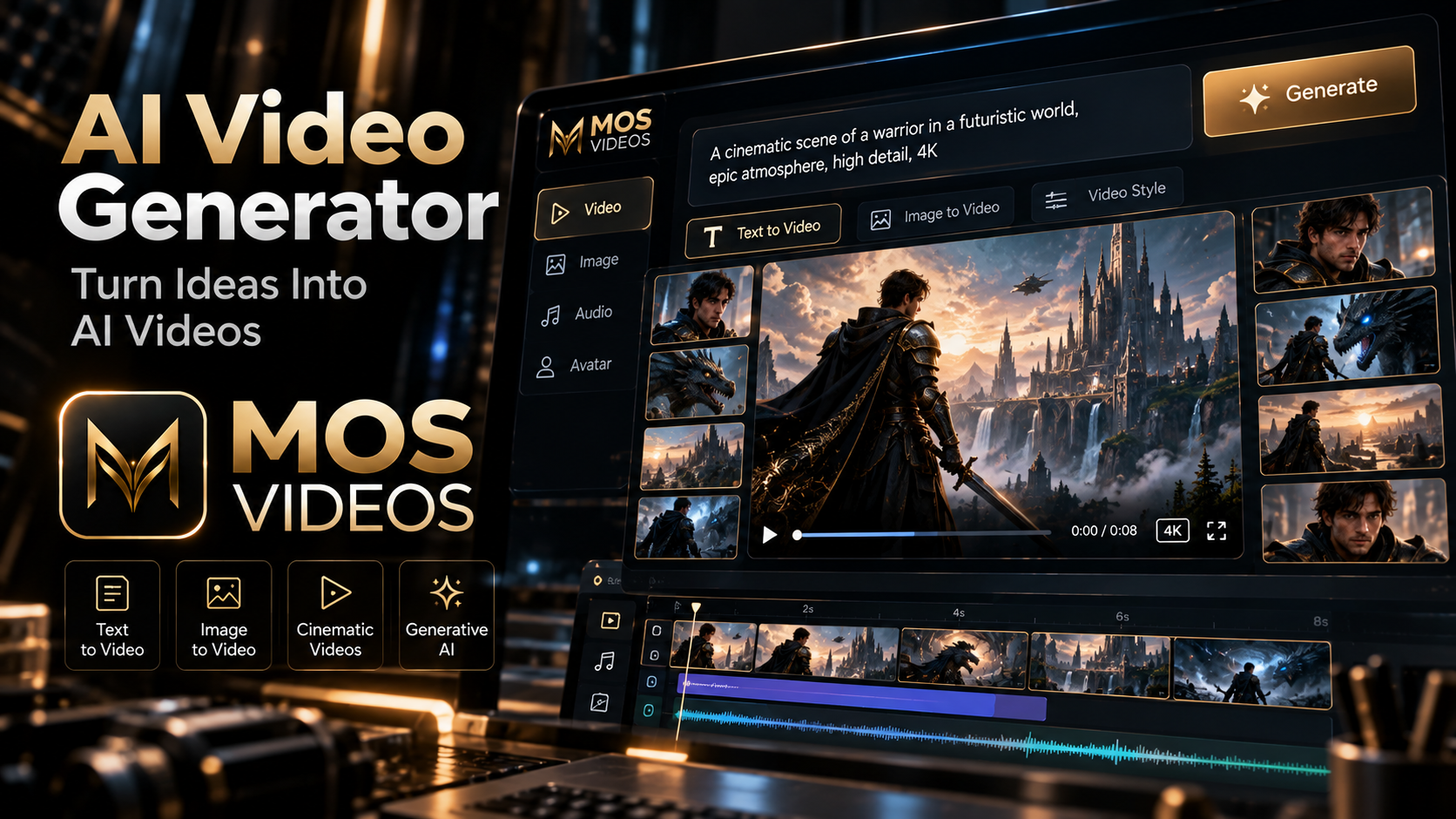
Video creation is no longer limited to cameras, complex production setups, or traditional editing workflows.
With an AI Video Generator, creators can turn ideas, prompts, and images into moving visual content using artificial intelligence.
A simple description can become a cinematic scene.
A static image can become an animated video.
A creative concept can become social content, marketing material, storytelling, or visual experimentation.
With MOS Videos, AI video generation becomes part of a broader creative workflow designed for modern creators.
Instead of starting with technical complexity, you can start with the most important part:
the idea.
Describe it.
Visualize it.
Generate it.
What Is an AI Video Generator?
An AI Video Generator is a tool that uses artificial intelligence to create video content from inputs such as text prompts, images, or other visual references.
Instead of recording every scene manually, users can describe what they want to create.
For example:
A futuristic sports car driving through a neon city at night, cinematic tracking shot, realistic reflections, dramatic lighting.
The AI interprets the prompt and generates moving visual content based on that creative direction.
This gives creators a new way to produce video.
Create Videos from Text with AI
One of the most powerful AI video workflows is Text-to-Video AI.
The user describes the scene using natural language.
For example:
A spacecraft flying above an alien planet during sunrise, cinematic wide shot, realistic clouds, dramatic atmosphere.
The AI uses that description as the creative foundation for the generated video.
Text-to-video generation can be useful when you want to create something that does not yet exist visually.
This could include:
- Futuristic cities
- Fantasy worlds
- Product concepts
- Cinematic environments
- Fictional characters
- Abstract visual scenes
- Marketing concepts
The prompt becomes the starting point for production.
Turn Images into Videos with AI
Another powerful workflow is Image-to-Video AI.
Instead of starting only with text, users begin with an image.
The image establishes:
- Character appearance
- Composition
- Environment
- Lighting
- Visual style
- Color direction
The AI can then introduce movement.
For example:
A still image of a futuristic city can become a cinematic sequence with moving lights, atmospheric fog, traffic, and camera motion.
This creates a workflow like:
AI Image
↓
Image-to-Video
↓
AI Video
This approach can offer more visual control because the creator already defines the starting frame.
AI Video Generator for Content Creators
Creators constantly need new visual content.
AI video generation can support:
- YouTube
- TikTok
- Instagram Reels
- YouTube Shorts
- Social media campaigns
- Faceless content
- Storytelling
- Educational content
- Creative experiments
Instead of relying only on stock footage or existing clips, creators can generate scenes specifically for their ideas.
That can make content feel more original and visually distinctive.
AI Video Generator for YouTube
YouTube creators can integrate AI-generated video into many formats.
Examples include:
- Documentary-style videos
- Educational channels
- AI storytelling
- Technology videos
- Faceless channels
- Tutorials
- Cinematic videos
- Concept videos
AI-generated scenes can be combined with:
- Narration
- Music
- B-roll
- Graphics
- Subtitles
- Traditional footage
The result does not have to be completely AI-generated.
AI can simply become another creative tool inside the production process.
AI Video Generator for Social Media
Short-form content depends heavily on visual impact.
AI-generated video can help creators build scenes designed specifically for:
- TikTok
- Reels
- Shorts
- Promotional clips
- Viral concepts
A creator can test several visual directions before choosing the final result.
This makes generative video particularly useful for experimentation.
AI Video Generator for Marketing
Marketing teams often need multiple creative concepts.
Instead of producing every idea physically, AI video generation can help visualize campaigns before larger production begins.
Potential use cases include:
- Product advertising
- Brand storytelling
- Promotional videos
- Social campaigns
- Product demonstrations
- Creative concepts
- Digital advertisements
A simple idea can become a visual prototype much faster.
Generate Cinematic AI Videos
AI video generation is especially useful for creators who want cinematic visual styles.
Prompts can describe:
- Camera movement
- Lens style
- Lighting
- Environment
- Mood
- Action
- Composition
For example:
Slow cinematic tracking shot following a woman through a futuristic city, rain falling, neon reflections, dramatic lighting, realistic movement.
The more clearly the prompt describes the visual intent, the easier it becomes to guide the creative direction.
How to Write Better AI Video Prompts
A useful AI video prompt structure is:
Subject + Action + Environment + Camera + Lighting + Style
For example:
A black sports car accelerating through a futuristic city at night, low-angle tracking shot, wet streets reflecting neon signs, cinematic lighting, photorealistic style.
This tells the AI:
- What the subject is
- What it is doing
- Where it is
- How the camera moves
- What the lighting looks like
- What visual style is desired
Good prompting is one of the most important skills in AI video creation.
Text-to-Video vs Image-to-Video
Both workflows can generate AI video, but they solve different creative problems.
| Text-to-Video | Image-to-Video |
|---|---|
| Starts with text | Starts with an image |
| AI creates the initial scene | Creator defines the initial frame |
| Useful for ideas from scratch | Useful for visual consistency |
| High creative freedom | Stronger visual reference |
| Prompt controls appearance and motion | Image controls appearance, prompt controls motion |
Creators can use both inside the same project.
Create AI Images Before Creating Video
One effective workflow is to create the visual concept first.
For example:
Text Prompt
↓
AI Image Generator
↓
Choose Best Image
↓
Image-to-Video
↓
Final Video
This allows creators to decide exactly how the scene should look before introducing movement.
It can be especially useful for:
- Characters
- Product scenes
- Cinematic environments
- Storytelling
- Branded visuals
AI Video Generator for Storytelling
Generative video opens interesting possibilities for storytelling.
Creators can generate:
- Establishing shots
- Characters
- Environments
- Fantasy scenes
- Science-fiction scenes
- Dramatic transitions
- Visual sequences
A written story can gradually become visual.
For example:
Story Idea
→ Character
→ Scene
→ AI Video
→ Narration
→ Final Story
This gives independent creators access to new forms of visual experimentation.
AI Video Generator for Product Content
Businesses can also use AI-generated video to explore product presentation.
Possible applications include:
- Product concepts
- Advertising
- Promotional visuals
- Lifestyle scenes
- Campaign ideas
- Social content
A product can be placed inside environments that would otherwise require larger production setups.
This can help teams experiment with different creative directions.
AI Video Generator for AI Filmmaking
AI filmmaking combines generative tools with traditional filmmaking skills.
AI can support:
- Concept art
- Previsualization
- Storyboarding
- Scene generation
- Visual effects
- Experimental shots
- Environment creation
The filmmaker still controls the creative vision.
AI simply expands the range of available tools.
Why Creators Are Using AI Video Generation
AI video generation provides several advantages.
Faster Experimentation
Creators can explore multiple visual ideas quickly.
More Creative Freedom
Scenes do not always need to exist physically.
Flexible Production
Images, text, and video can become connected.
Visual Prototyping
Ideas can be tested before larger production begins.
New Storytelling Possibilities
Creators can visualize concepts that would otherwise be difficult to produce.
AI Video Generation and Multimodal Content
Modern generative content increasingly combines multiple media formats.
A project might involve:
Text
↓
AI Image
↓
AI Video
↓
AI Voice
↓
Audio
↓
Final Content
This is known as a multimodal creative workflow.
Instead of using AI for only one task, creators combine several technologies into one production process.
Create AI Videos with MOS Videos
MOS Videos is designed for creators who want to work across generative media.
AI video generation can become part of a larger workflow involving:
- AI images
- AI video
- Image-to-video
- Voice
- Audio
- Lip sync
- Talking videos
- Multilingual content
This allows creators to move between different forms of content while keeping the creative process connected.
From Idea to AI Video with MOS Videos
A project can begin with a simple concept.
For example:
A futuristic explorer walking through an abandoned city.
From there:
Write the Prompt
↓
Generate the Visual
↓
Create the Video
↓
Add Voice or Audio
↓
Build the Final Content
The entire process begins with an idea rather than complicated production infrastructure.
Why Use MOS Videos for AI Video Creation?
MOS Videos focuses on a broader creative workflow rather than treating video generation as an isolated feature.
Creators can explore different types of generative media within the same ecosystem.
This is useful because modern content rarely consists of only one asset.
A complete project may require:
- Images
- Video
- Voice
- Audio
- Characters
- Visual effects
- Localization
MOS Videos helps connect these creative stages.
AI Video Generator for Modern Creators
The role of creators is changing.
Instead of manually producing every visual element, creators increasingly direct AI systems through ideas, prompts, references, and creative decisions.
This does not remove creativity.
It changes where creativity happens.
The creator becomes responsible for:
- The idea
- The visual direction
- The story
- The prompt
- The selection
- The editing
- The final presentation
AI becomes part of the production toolkit.
Create More Than a Single AI Video
One generation can become the beginning of a larger project.
A video can become:
- A social post
- Part of a YouTube video
- A campaign asset
- A storytelling sequence
- A product presentation
- A cinematic project
The key is thinking beyond individual generations.
AI video becomes most powerful when it connects with a complete content strategy.
MOS Videos: AI Video Creation in a Bigger Creative Ecosystem
MOS Videos brings AI video creation together with other forms of generative content.
Start with text.
Generate an image.
Transform it into motion.
Add voice.
Create audio.
Develop the final story.
This is what makes multimodal AI workflows especially useful for modern creators.
Create the idea.
Generate the scene.
Turn it into video.
Build with MOS Videos.
Key Takeaways
- An AI Video Generator creates video content using artificial intelligence.
- Text-to-video allows creators to generate scenes from written prompts.
- Image-to-video transforms static images into moving visual content.
- AI video can support social media, marketing, YouTube, filmmaking, and storytelling.
- Prompt quality plays an important role in guiding AI-generated video.
- MOS Videos connects AI video generation with image, voice, audio, and other creative workflows.
Frequently Asked Questions
What is an AI Video Generator?
An AI Video Generator is a tool that uses artificial intelligence to create video content from text prompts, images, visual references, or other creative inputs.
Can AI generate videos from text?
Yes. Text-to-video AI allows users to describe a scene using natural language and generate moving visual content based on that description.
Can AI turn an image into a video?
Yes. Image-to-video AI can animate static images by creating movement, additional frames, camera motion, and environmental effects.
What can I create with an AI Video Generator?
AI video generators can support social media content, advertising, storytelling, product concepts, cinematic scenes, educational videos, YouTube content, and creative experimentation.
How do I write a good AI video prompt?
A strong prompt usually describes the subject, action, environment, camera movement, lighting, mood, and visual style.
Can AI video generation be used for marketing?
Yes. Marketing teams can use AI-generated video for campaign concepts, promotional content, advertising, social media, and visual prototyping.
Can AI images become AI videos?
Yes. AI-generated images can be used as source frames for image-to-video generation, creating a connected workflow between image and video creation.
What is MOS Videos?
MOS Videos is an AI-powered creative platform built around generative workflows involving video, image, voice, audio, and other multimedia content creation.
